
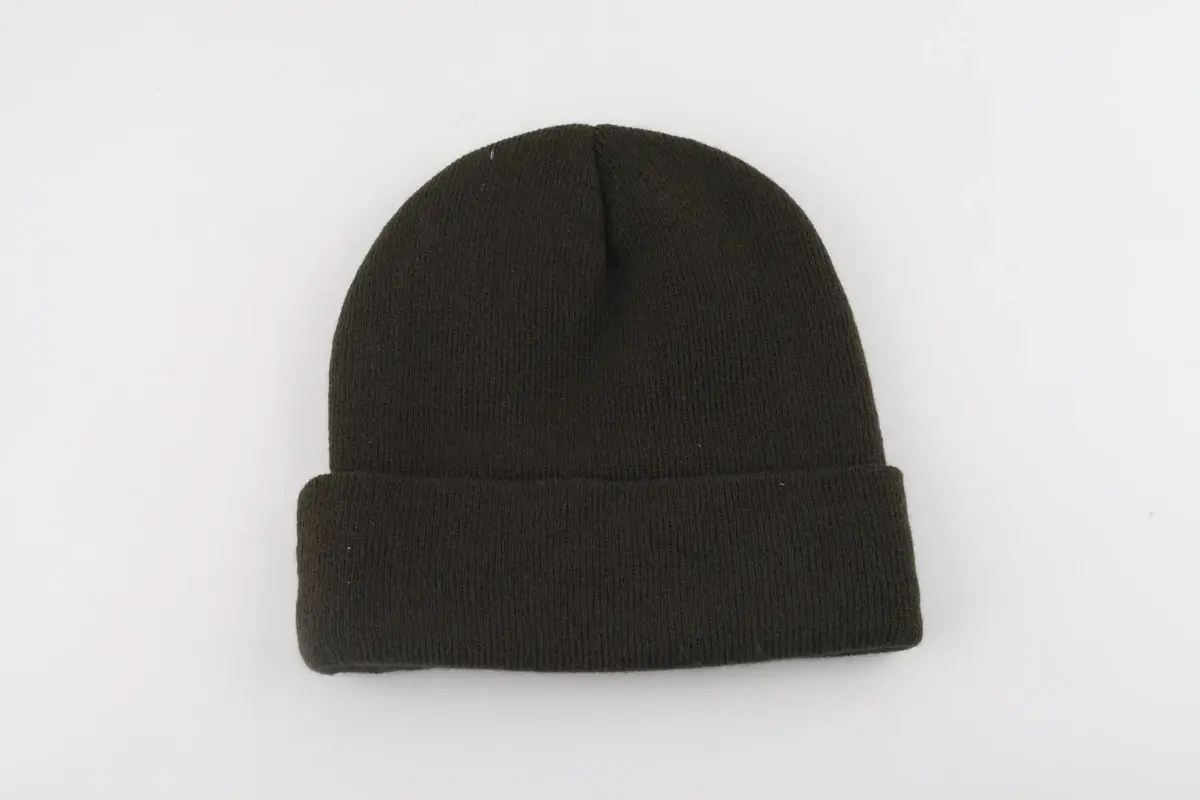
A beanie tech pack brings the drawings, dimensions, materials and artwork into one production reference. Mark open decisions so the factory can review them before sampling.
Start with a version people can identify
Put the style name or code, revision and date at the top. Label front, back and inside views where needed, especially if a logo could be mistaken for a rear detail.
Add a short description, such as “rib-knit cuffed beanie with a sewn woven label,” then the measurements and component details. The description alone won't tell the factory how to make the hat.
| Field | Example entry |
|---|---|
| Style code | CUFF-A |
| Revision | R02 |
| Construction | Rib-knit body with folded cuff |
| Yarn | Factory proposal requested; composition to be agreed |
| Measurement method | Laid flat, relaxed, cuff folded as shown |
| Branding | Woven label on front cuff; dimensioned drawing attached |
| Open decision | Final yarn selection before sample order |
Replace these example entries with your design details.
A measurement needs two endpoints
Show flat width, crown height and cuff height with arrows. State whether the cuff is folded and whether the hat is relaxed or stretched. A lone “size” number beside a photograph leaves too much to interpretation.
Flat width and intended head size are different measurements on a stretch knit. The beanie size and fit page covers the details worth discussing before sampling.
Record the fiber composition if known, then describe knit texture, layers and lining separately. “Soft winter knit” gives a direction, but it doesn't identify a yarn or define what would count as an acceptable sample.
Show the artwork at its finished size
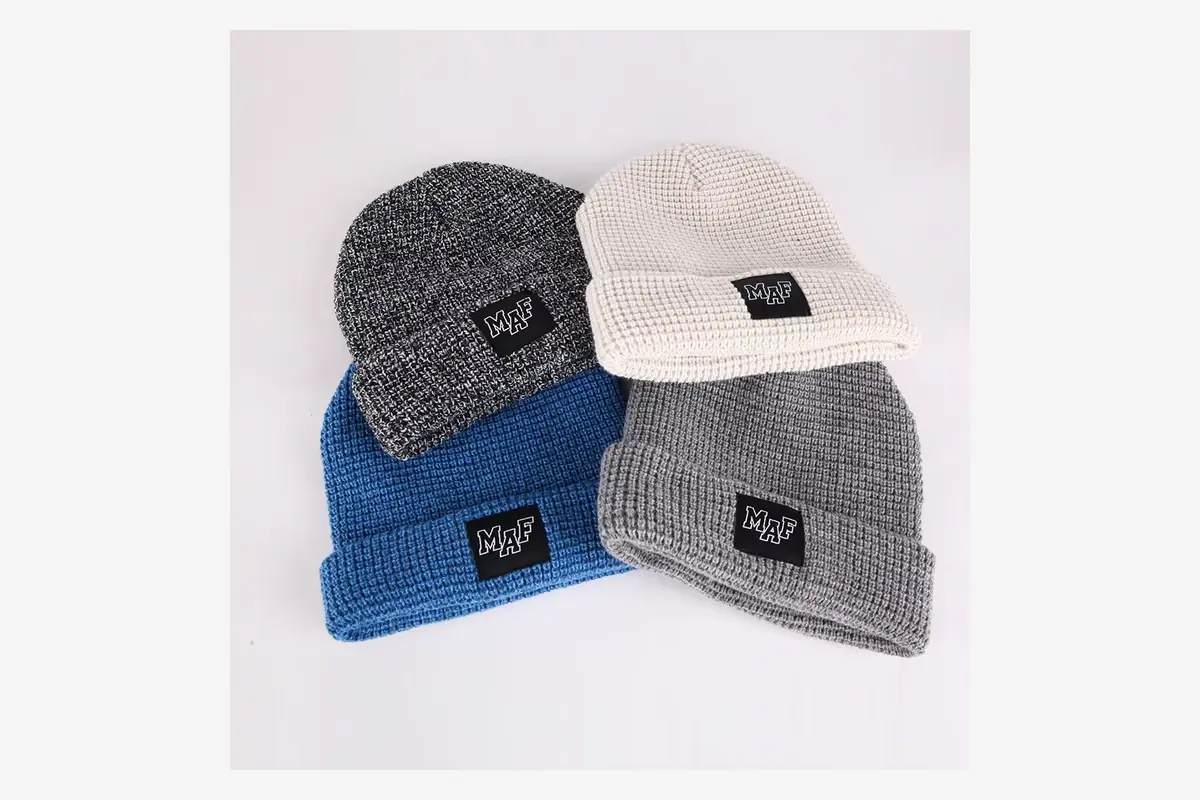
Include the logo file, width and height, color references and position measured from a fixed edge or centerline. Show its reading direction with the cuff folded for wear. Give labels, hangtags and packaging their own named pages if they need separate artwork.
When a file changes, update the revision and retire the old attachment. “Use the new logo” is easy to lose among quotations and sample photos.
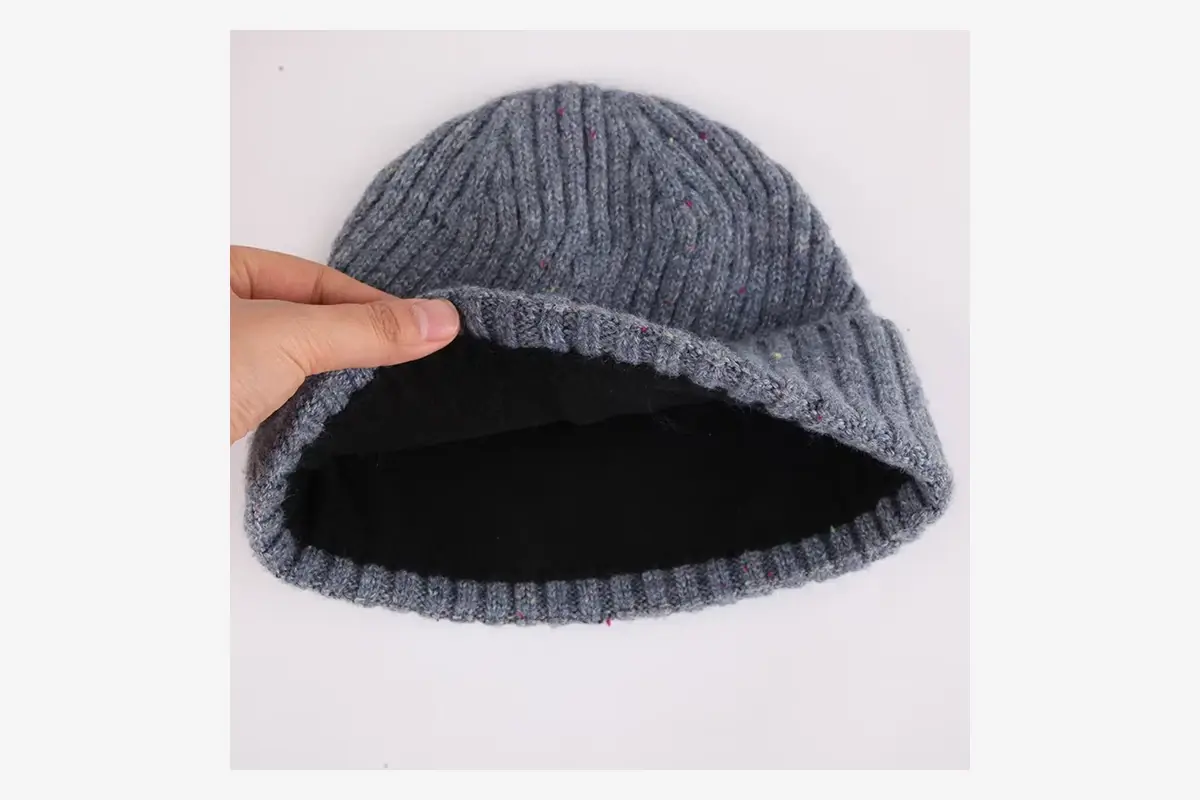
Add a component list that connects the drawings
A drawing can show where a label goes without identifying its file. List each component under a name that also appears on the drawing or artwork file.
| Component | Information worth linking |
|---|---|
| Body | Yarn reference, composition, color and knit drawing |
| Lining, if included | Material, coverage and attachment view |
| Exterior decoration | Method, artwork revision and position drawing |
| Sewn labels | Approved text or artwork, size and attachment |
| Retail pack | Packaging specification and required identification |
If a component is optional, mark it as an option. An unlabeled lining image can otherwise be read as a required part of the hat. If a photo shows a pom pom, specify whether your version includes it.
Show a revision as a change, not just a new file
Suppose the first sample fits well but its cuff is too deep. Your revised pack should identify the cuff change and say whether the finished height, logo position and other dimensions are staying the same or also changing. Changing one number alone may leave related decisions unresolved.
A short revision entry can read: “R03: cuff height revised as shown; logo position revised on the placement drawing; yarn and opening width unchanged. Replacement sample requested.” Attach the revised drawing with the change note.
Attach the complete current pack as the working reference and a concise change list so the recipient can spot differences. Agree which file supersedes the earlier version.
Resolve conflicts before the sample is made
If a drawing and a measurement table disagree, don't assume one takes priority automatically. If the artwork preview uses an old logo while the attachment contains a new one, resolve that too. Ask the factory to list conflicting instructions and return a corrected pack for confirmation.
You can mark a genuine open question as “factory proposal requested” during development. Before it controls a production order, that field needs an agreed answer or a clearly documented approval route. Keep unresolved fields visible until they are approved.
Update the pack after sample review
Add the approved sample identifier, accepted measurements and written exceptions. If one detail remains open, name it and state whether another sample is needed. Send the pack with your sampling request; WiseBeanie can review the available information and identify what still needs deciding before making the sample.
Related Guides and Factory Options
- How to Approve a Custom Beanie Sample
- Review custom production options
- How Sampling and Production Work
Share your drawings or current tech pack, even if some details are undecided. We can review what is needed to develop your sample.
Send Your Beanie Brief